NodeMCU – how to automate your home cheaply
I like electronic smart home gadgets, but the problem is that popular hardware platforms like Arduino and Raspberry Pi can be relatively expensive. If you want to control all your power outlets via Wi-Fi, for example, the total cost can increase dramatically, as you need a separate device for each outlet you want to control. Fortunately, there are cheaper alternatives, such as NodeMCU.
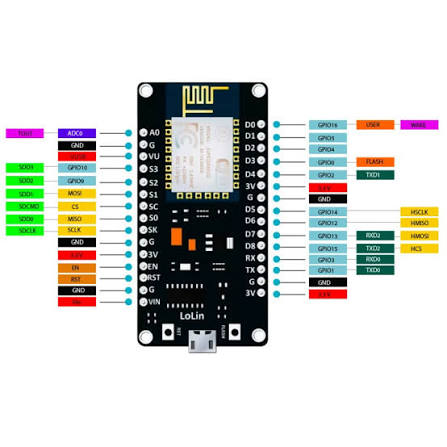
This is really cheap and easy to work with For around $3, you can buy an ESP board with a built-in relay, such as the ESP Relay 1.0 shown in the picture below.
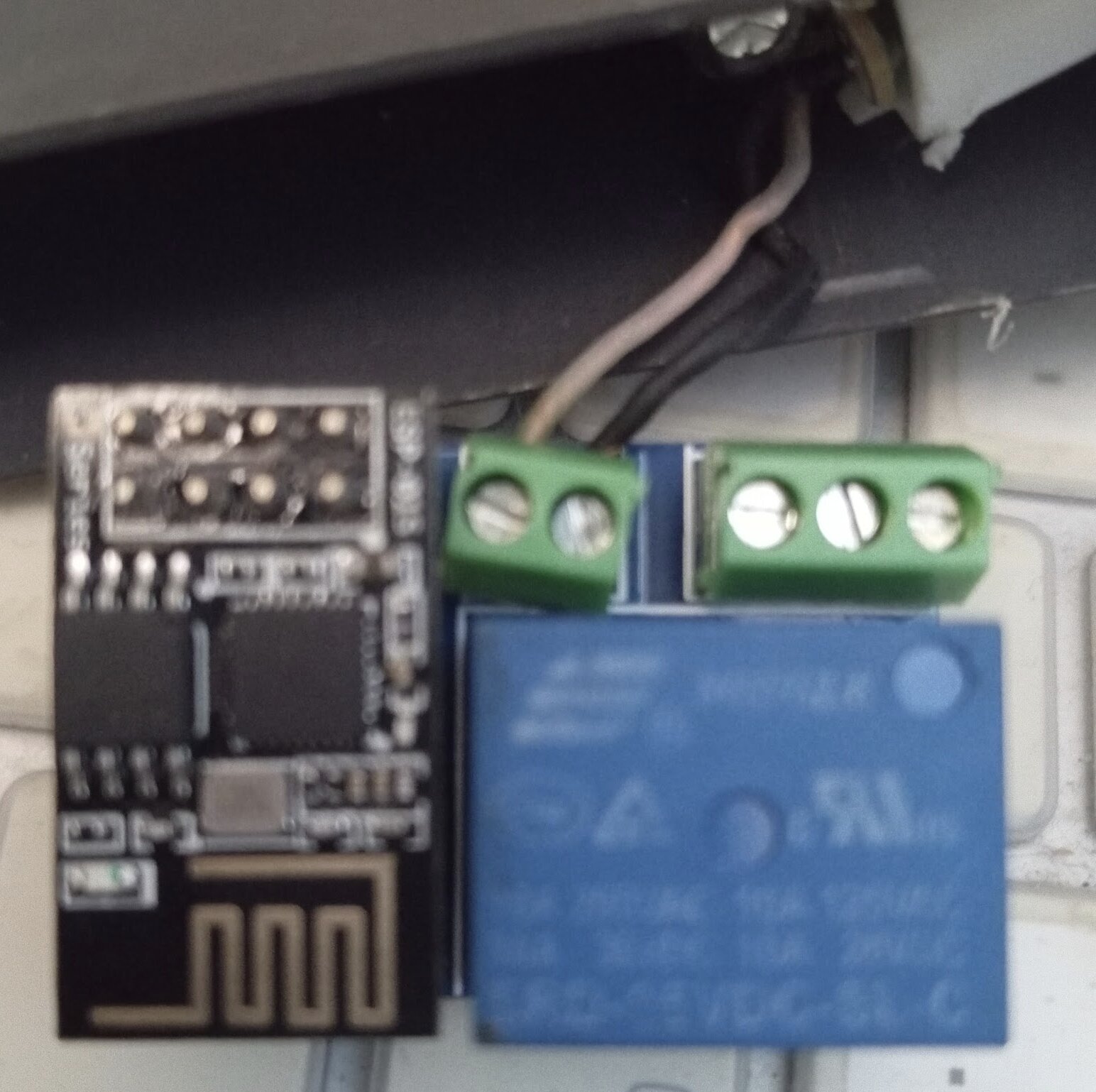
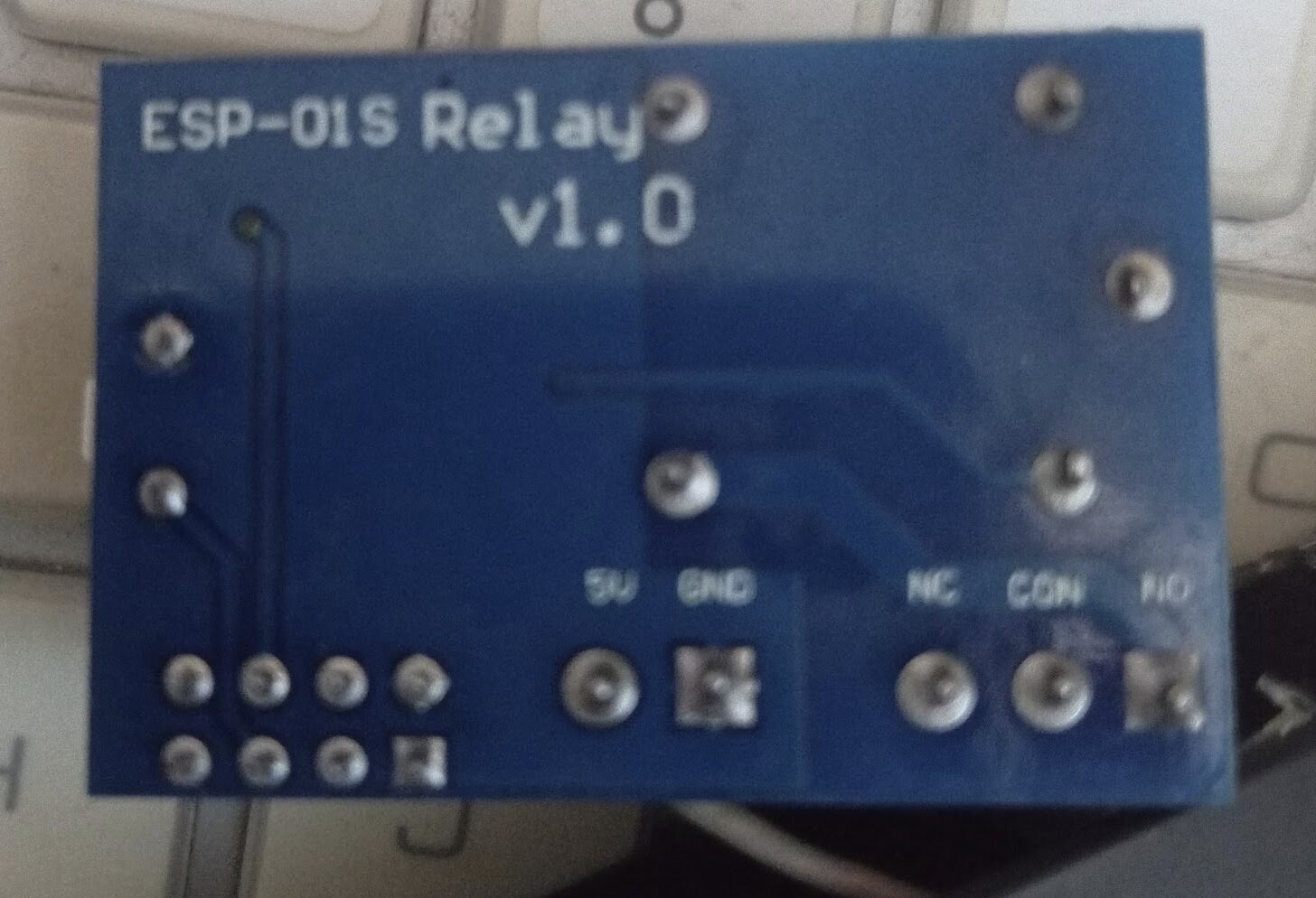
The relay allows you to open or close an electrical circuit, which essentially means you can turn on, turn off, or power-cycle almost any AC-powered device .I power the ESP Relay board using a small 3V power adapter from an old Nokia phone. It's a simple and inexpensive way to reuse an old charger instead of buying a dedicated power supply.
I probably don't need to explain how many things we can control using just our smartphones. :)
The code below, uploaded to the ESP controller using Arduino IDE, starts a simple HTTP server that allows you to switch the relay on or off directly from your web browser.
In my case, I've found two particularly useful applications:
- Remotely rebooting my ISP's router, which is located in a hard-to-reach spot in the attic.
- Automatically turning on my drip coffee maker at 6 AM using a simple curl command scheduled via cron impressed my wife. :D
#include<ESP8266WiFi.h>

const char* ssid = "MyHomeWiFiSSID"; //your WiFi Name
const char* password = "WiFiPassword";  //Your Wifi Password
int ledPin = 03;
WiFiServer server(80);
void setup() {
  Serial.begin(115200);
  delay(10);
  pinMode(ledPin, OUTPUT);
  digitalWrite(ledPin, LOW);
  Serial.println();
  Serial.println();
  Serial.print("Connecting to ");
  Serial.println(ssid);
  WiFi.begin(ssid, password);
  while (WiFi.status() != WL_CONNECTED) {
    delay(500);
    Serial.print(".");
  }
  Serial.println("");
  Serial.println("WiFi connected");
  server.begin();
  Serial.println("Server started");
  Serial.print("Use this URL to connect: ");
  Serial.print("http://");
  Serial.print(WiFi.localIP());
  Serial.println("/");
}

void loop() {
  WiFiClient client = server.available();
  if (!client) {
    return;
  }
  Serial.println("new client");
  while(!client.available()){
    delay(1);
  }
  String request = client.readStringUntil('\r');
  Serial.println(request);
  client.flush();
  int value = LOW;
  if (request.indexOf("/LED=ON") != -1)  {
    digitalWrite(ledPin, HIGH);
    value = HIGH;
  }
  if (request.indexOf("/LED=OFF") != -1)  {
    digitalWrite(ledPin, LOW);
    value = LOW;
  }
  client.println("HTTP/1.1 200 OK");
  client.println("Content-Type: text/html");
  client.println("");
  client.println("");
  client.println("");
  client.print("Led is : ");
  if(value == HIGH) {
    client.print("On");
  } else {
    client.print("Off");
  }  client.println("");
client.println(" On ");
   client.println(" Off ");
  client.println(" ");
     delay(1);
   Serial.println("Client disonnected");
  Serial.println("");   }
//code copied from link
Keep in mind: Exposing an unauthenticated HTTP endpoint that controls electrical equipment to the public internet is a bad idea. Keep it on a trusted local network or access it through a VPN. And second thing
A relay ESP-01S is marked 10A/250V AC is not necessarily suitable for every 10A load. Motors, transformers, and other inductive loads can generate high inrush currents and voltage spikes.